Action Center
Windows Server 2016, like previous versions of Windows Server, includes an Action Center which contains recommended actions and notifications.
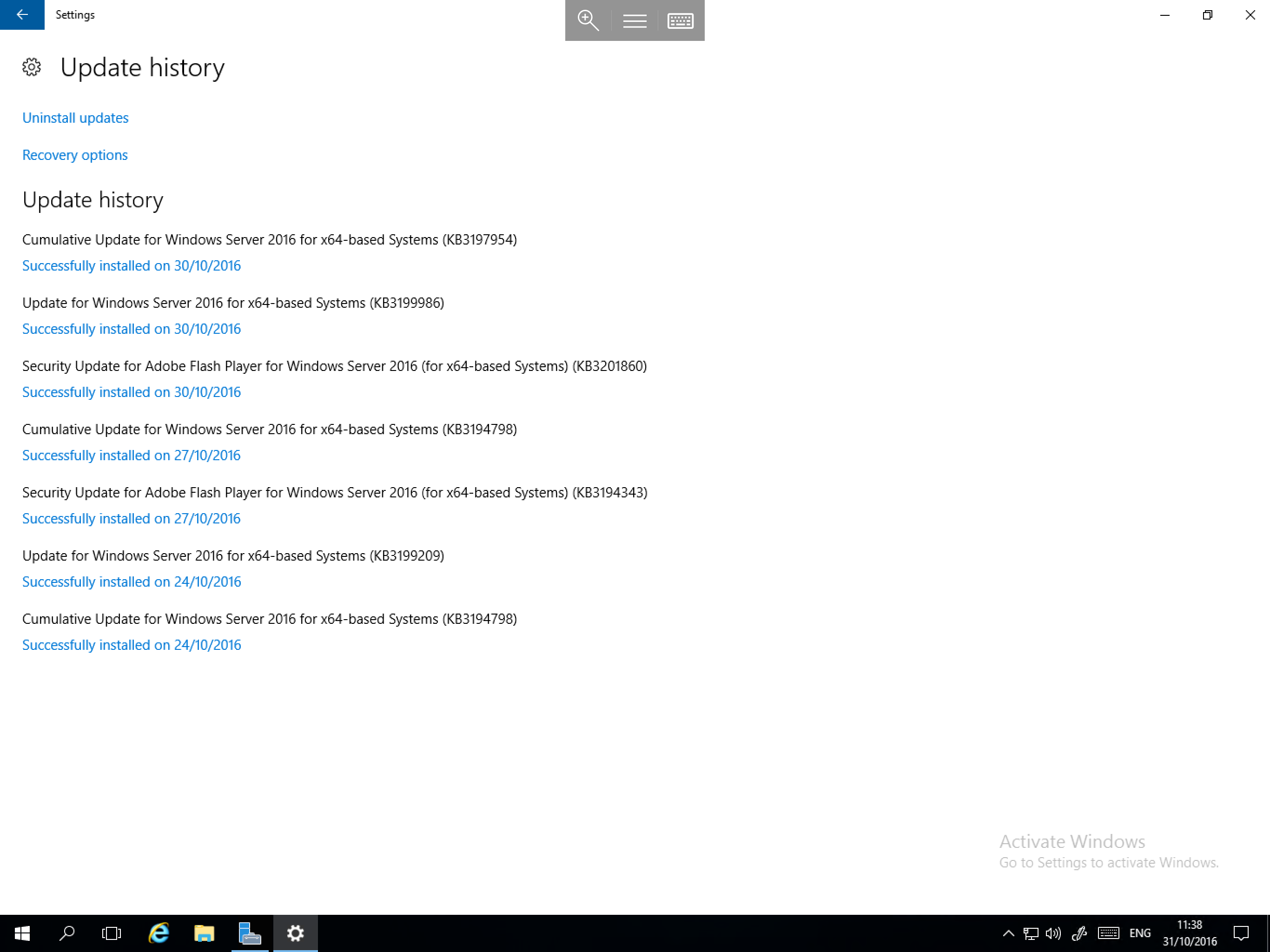
In Windows Server 2016, the Action Center has been integrated in to the Taskbar and has been revamped to include several action buttons as below. To access it simply select the speech bubble in the bottom right hand corner of the desktop.
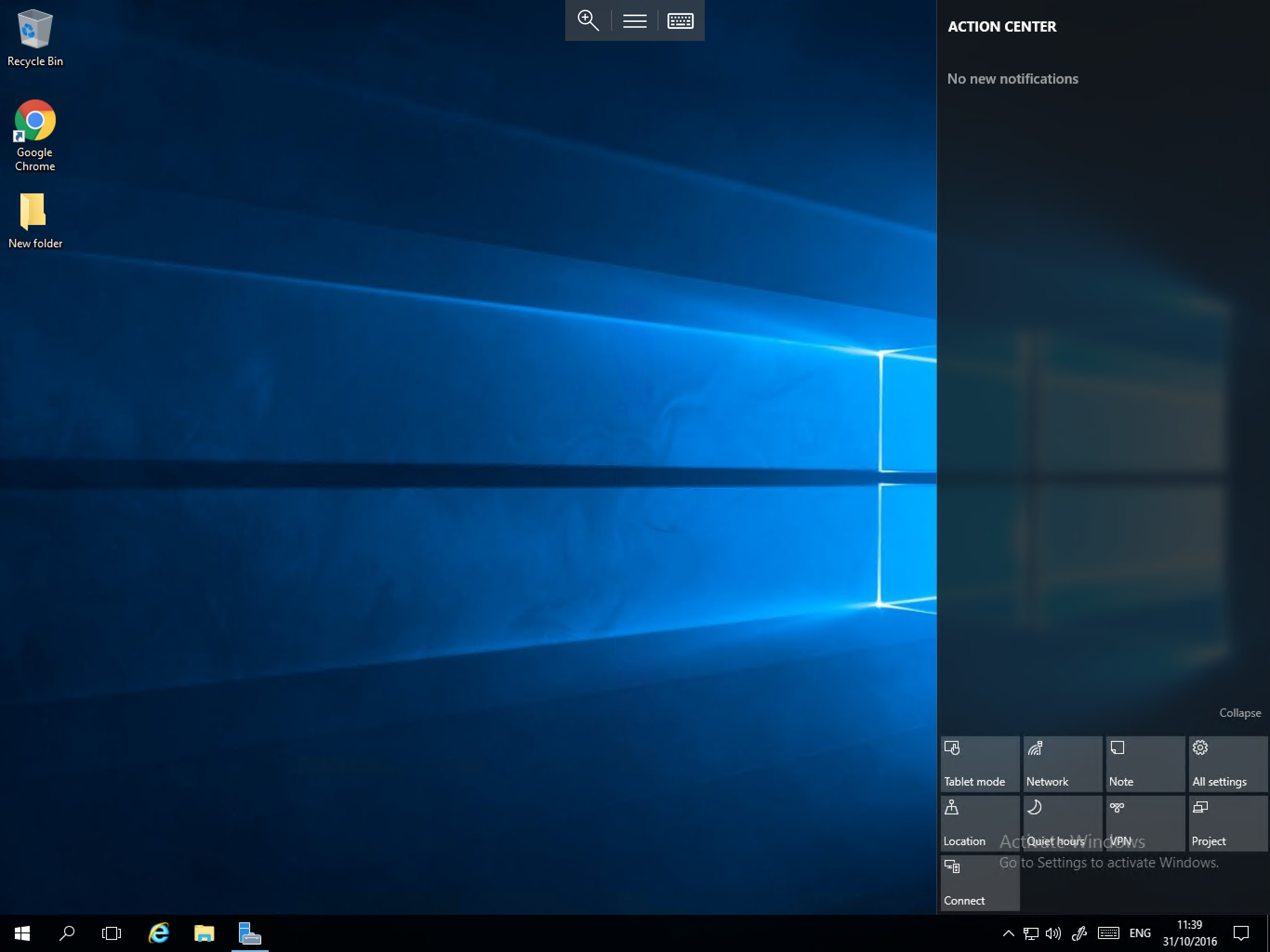
The Action Center also logs all notifications, for example a Windows Update installation notification, as below. Notifications as well as quick actions can be customised for the Action Center by visiting the System section of the Settings app and selecting Notifications & actions.
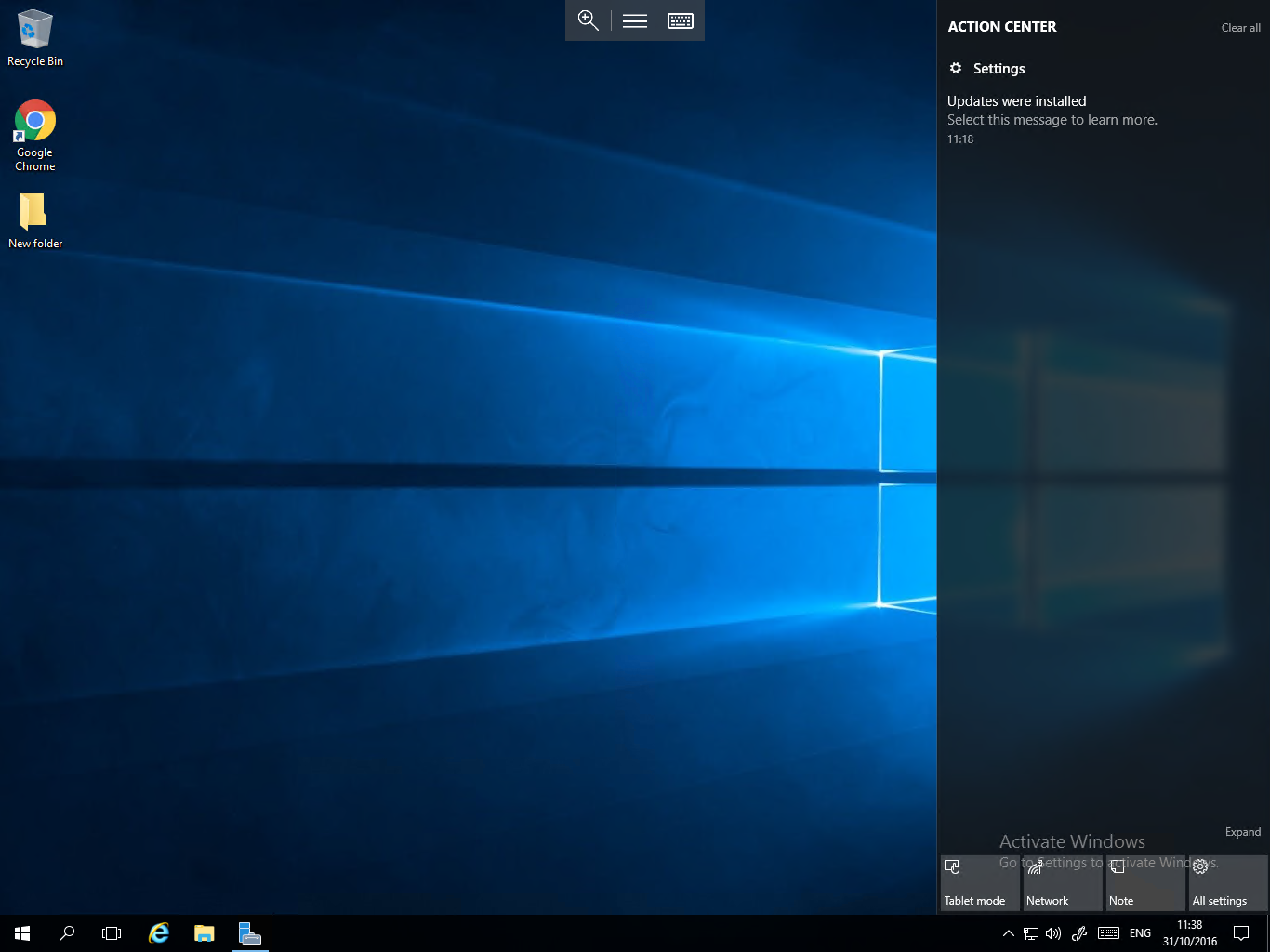
If you wish to view more information about a notification, simply select it, and you will be presented with the appropriate window which contains further information as below: