Getting started
Buying storage quota
Login to ANS Glass and go to FASTcloudbackup, which is in the Products & Services drop down menu.
On this page you can choose how much storage quota you need. You can have multiple FASTcloudbackup end user accounts within your overall ANS Glass account, and you purchase storage quota on a “per end user account” basis. To get started, choose the amount of storage quota you want for your first end user account. You can create more end user accounts, each with their own storage quota, later on.
Once you’ve chosen the storage quota you want, click Buy and go through the ANS Glass payment process.
Creating an end user account
You will need at least one FASTcloudbackup end user account to login to the FASTcloudbackup web console and use the service. Once you’ve purchased your storage quota, create a username and password for your end user account.
Logging into the FASTcloudbackup web console
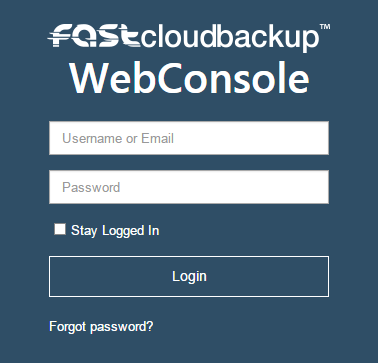
Click into your end user account and then click Go to FASTcloudbackup web console, or click here. Use the username and password you created previously to login to the web console.