How to reset IIS
IIS can sometimes require a restart to apply certain changes or to force-close connections to applications/websites.
Forcing an IIS reset will result in a short period of downtime for any websites on the server in question.
In order to carry out an IIS reset please follow the below guide.
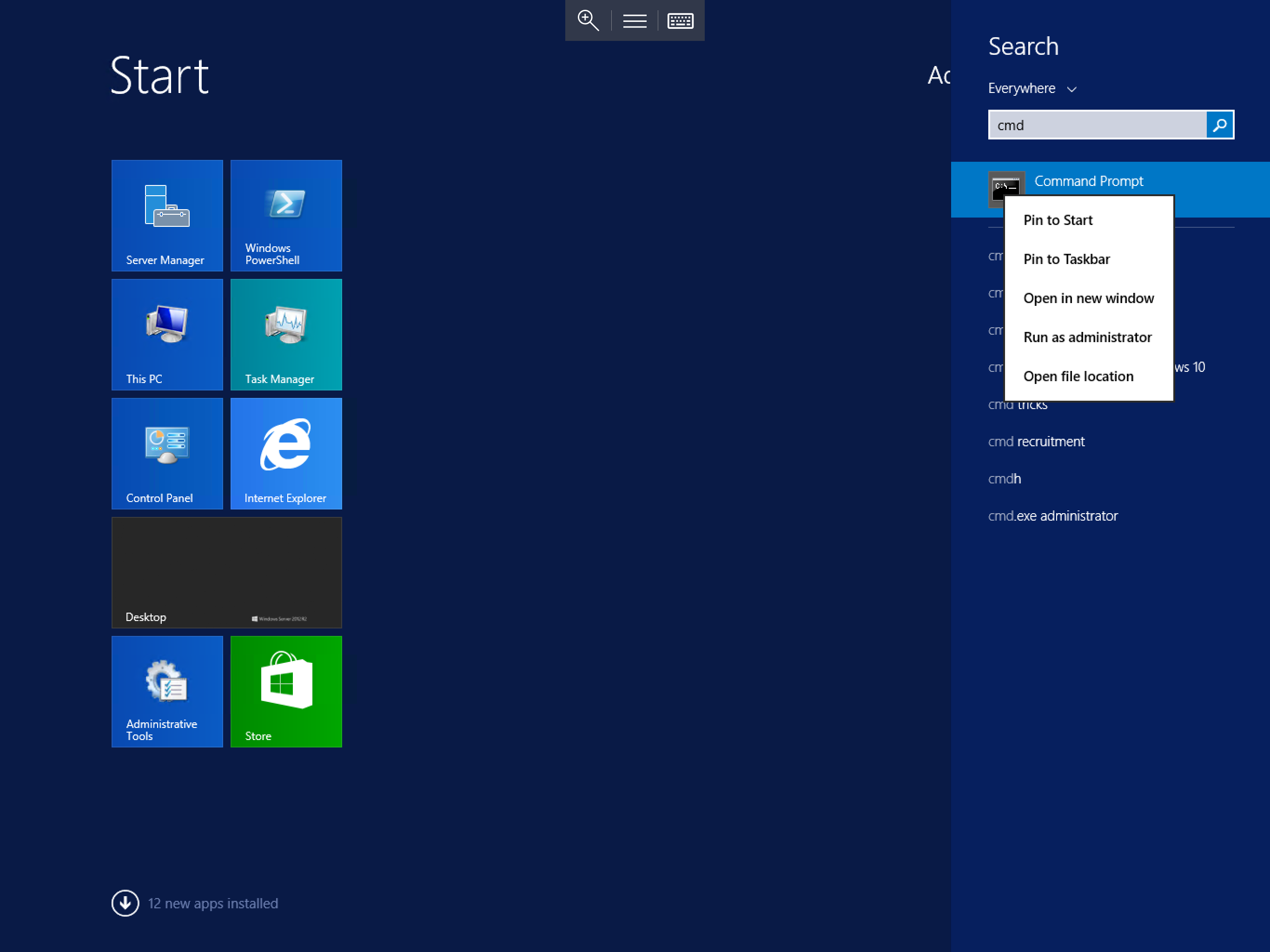
Select Start, type cmd, right click Command Prompt when it is displayed and select Run as Administrator as below:
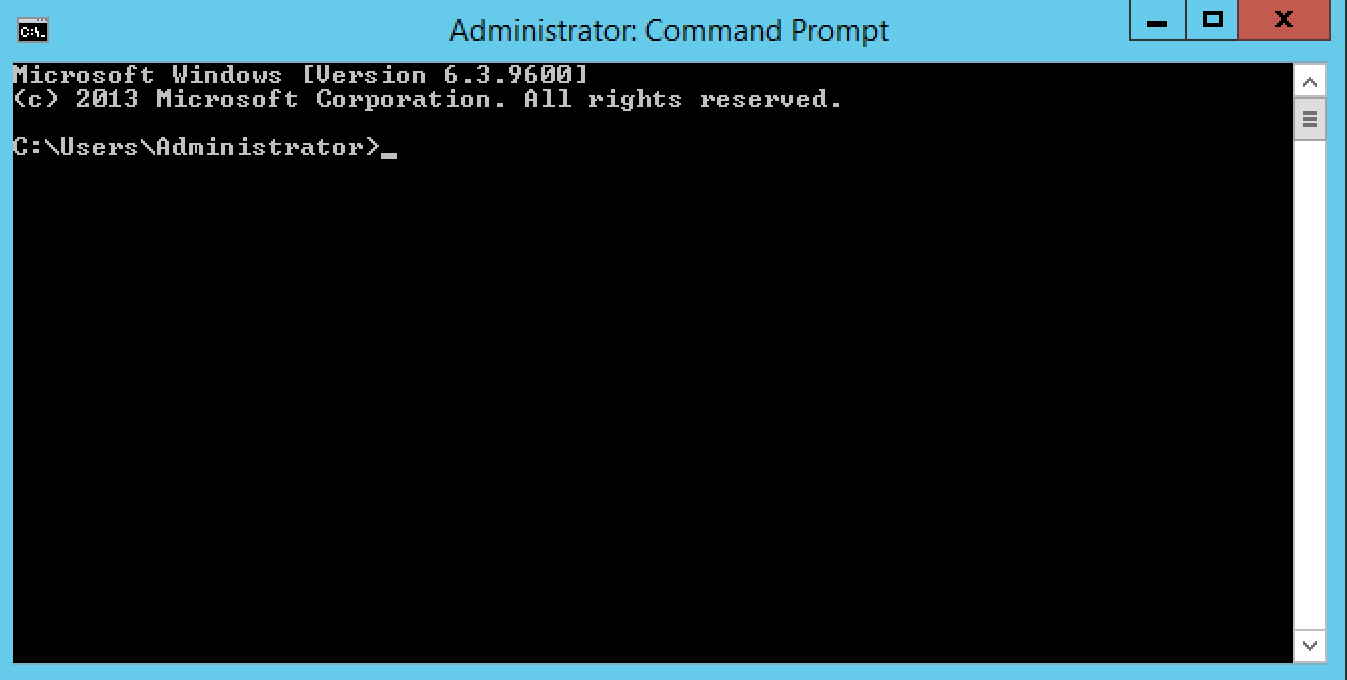
You will now be presented with a new Command Prompt with administrator level access as below:
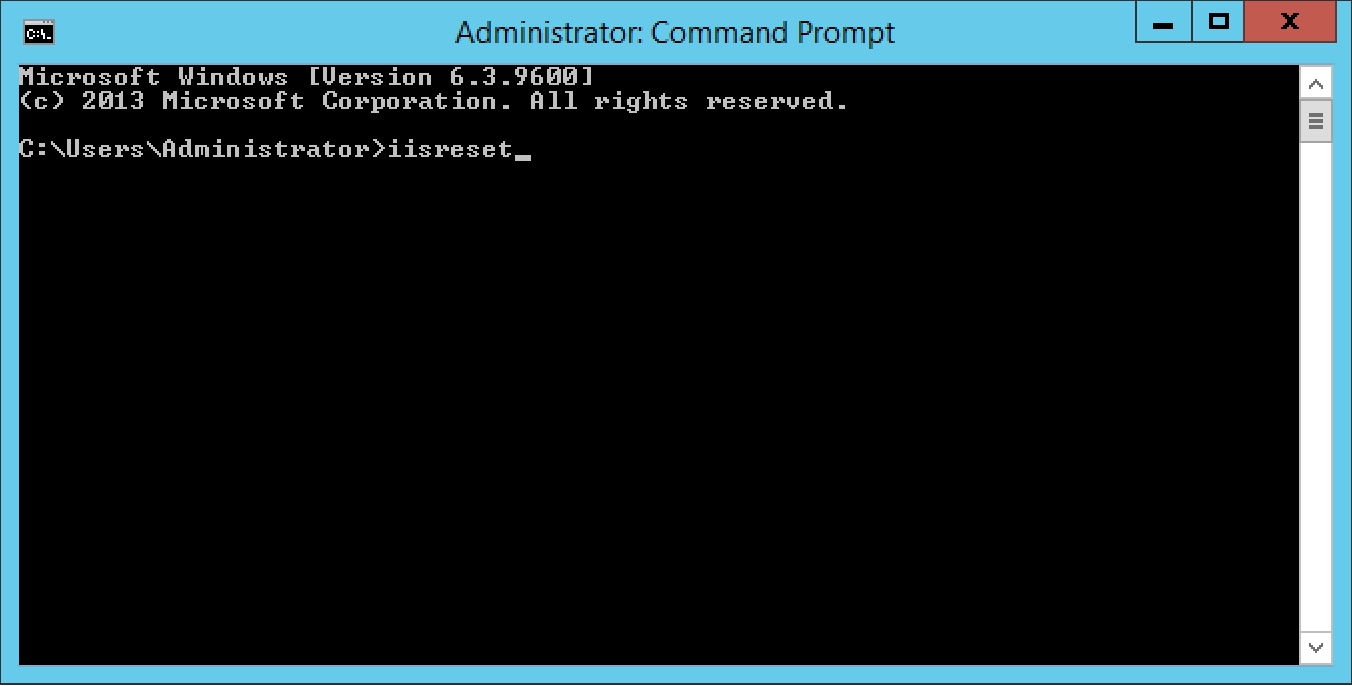
Within the command prompt, type iisreset as below. Press the Enter key.
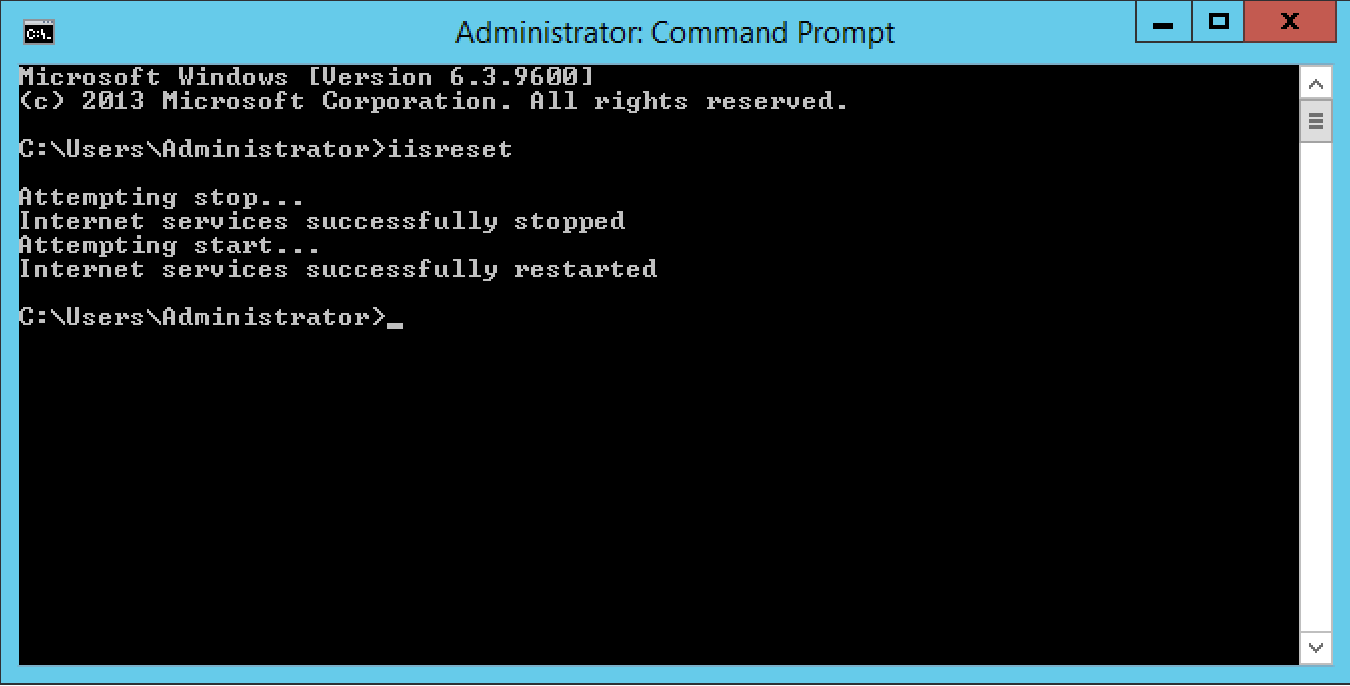
The reset process will now begin, and the words "Attempting stop..." will be printed in the Command Prompt window. the process usually takes 5-10 seconds, however if the server is handling a large volume of connections at the time when you initiate an iisreset, the process can take considerably longer.
Once the process has completed, you will be given access to your Command Prompt once more as below.
IIS has now been restarted.