Bandwidth usage
You can see bandwidth graphs showing traffic and packets per second (PPS) for most of your ANS-hosted servers, with the current exception of eCloud and eCloud Flex virtual machines.
Login to ANS Glass and go to Dedicated Servers via the Products and Services menu.
You will see a list of servers in your account. Find the server you want to look at, and click on either the IP or Name. When you're in the server go to the Traffic or PPS tab.
Traffic
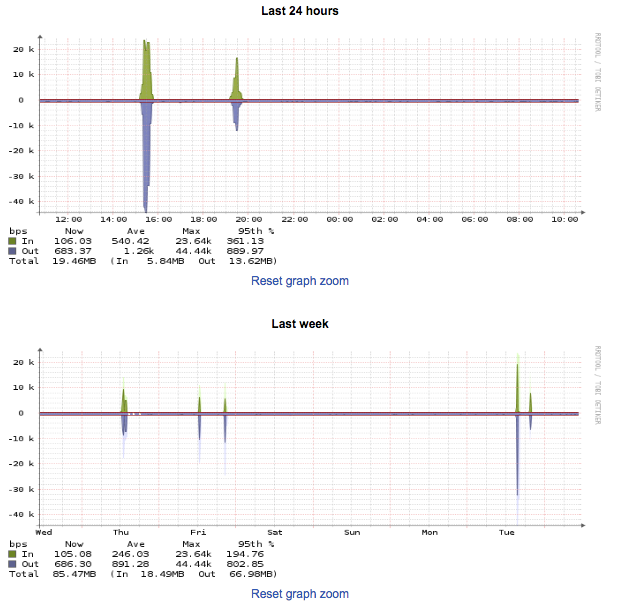
These graphs will show you the traffic that has been sent and received for this server over varying periods of time.
PPS
These graphs will show you the packets per second that have been sent and received for this server over varying periods of time.
